Capcut Draft
Word count
237 words
Reading time
2 minutes
Supports exporting materials to CapCut, providing fine-grained control over visuals, audio, subtitles, and more to assist with post-production adjustments and customization.
Preferences
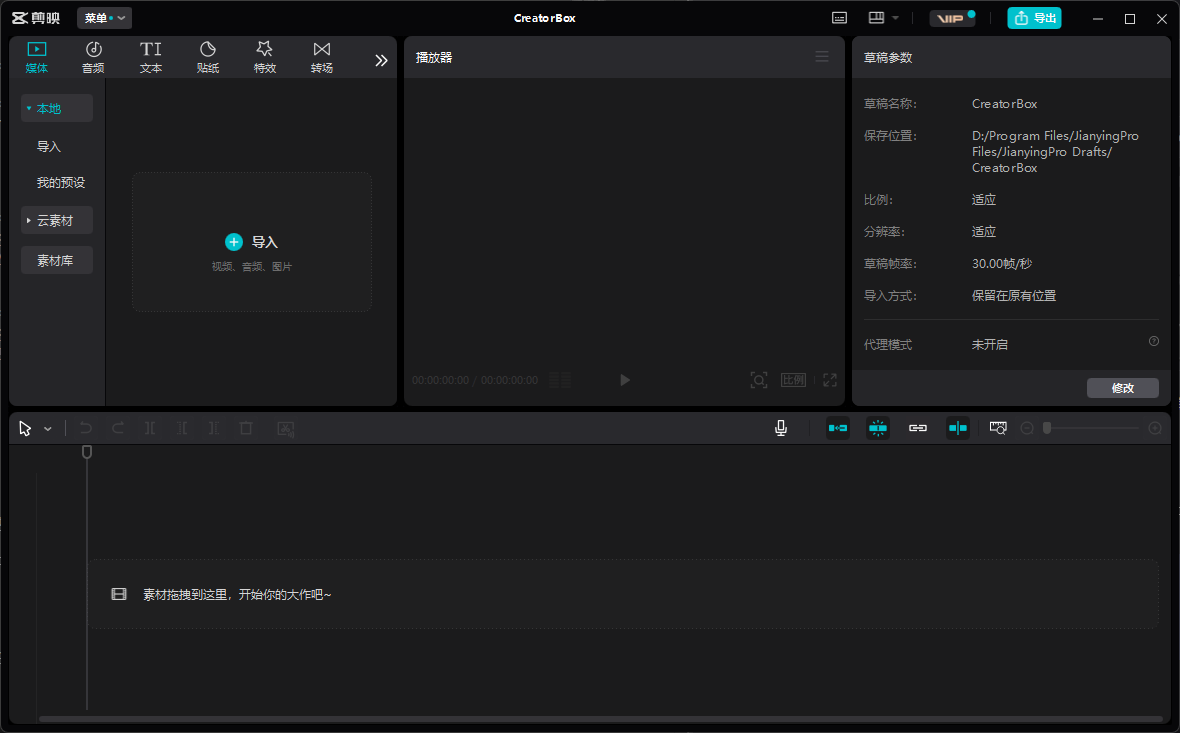
Open CapCut, click the top-right corner to view Draft Location.
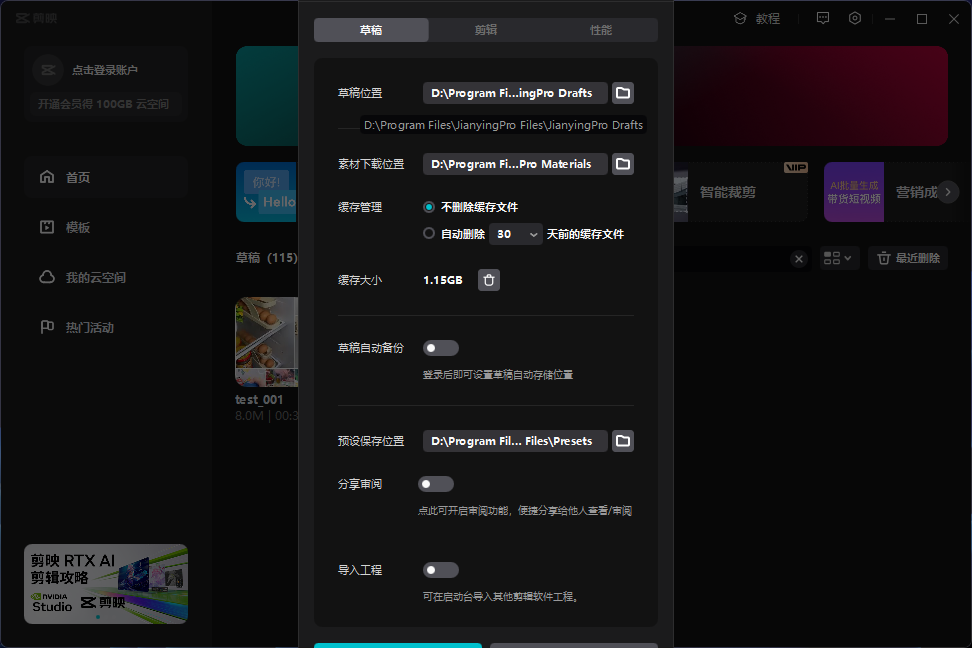
Open the preferences page, copy the address, and paste it.
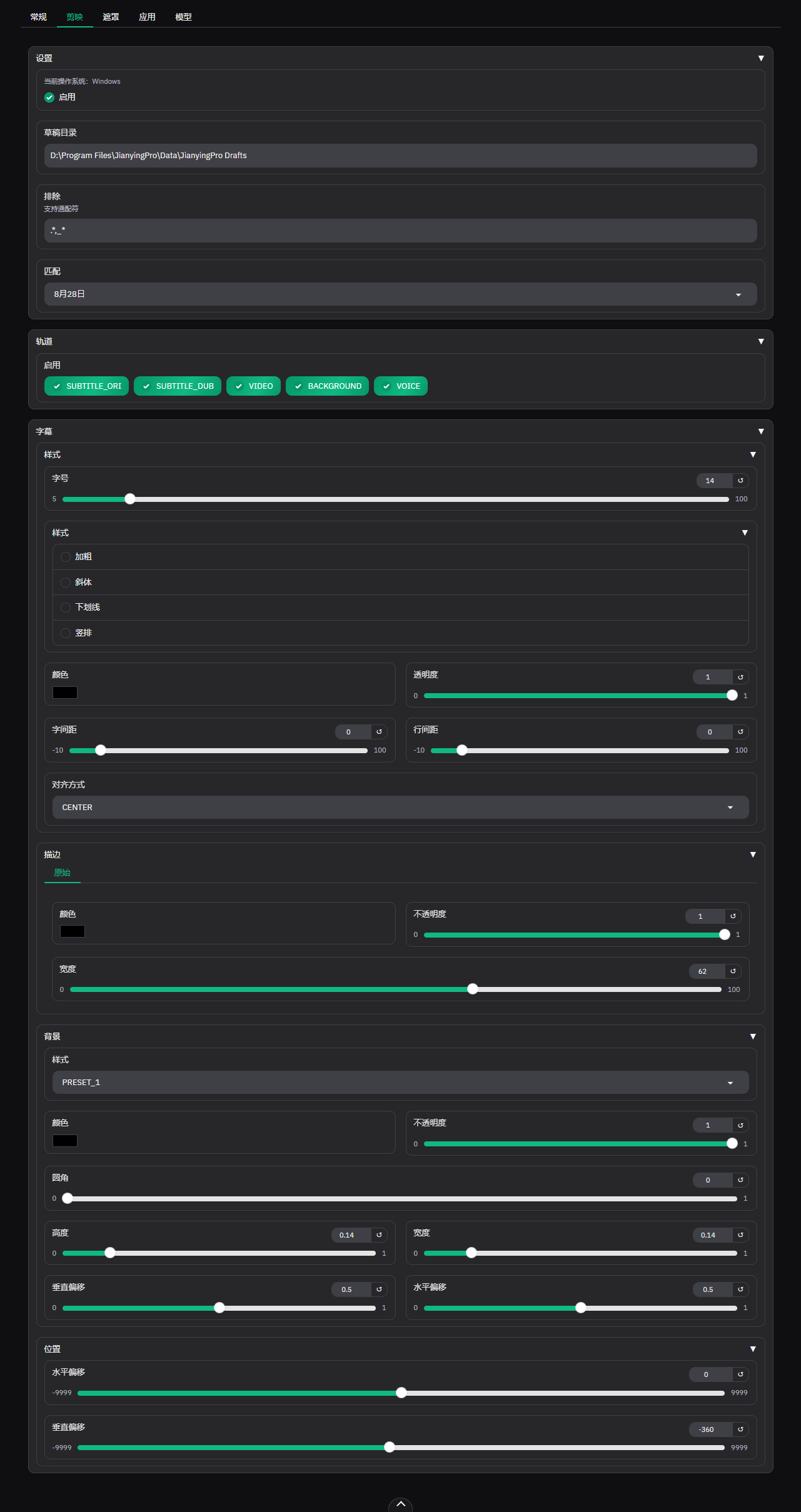
Configuration Options
Settings
Based on your environment, input the Draft Directory and Exclusions to automatically match drafts for extracting subtitles from CapCut.
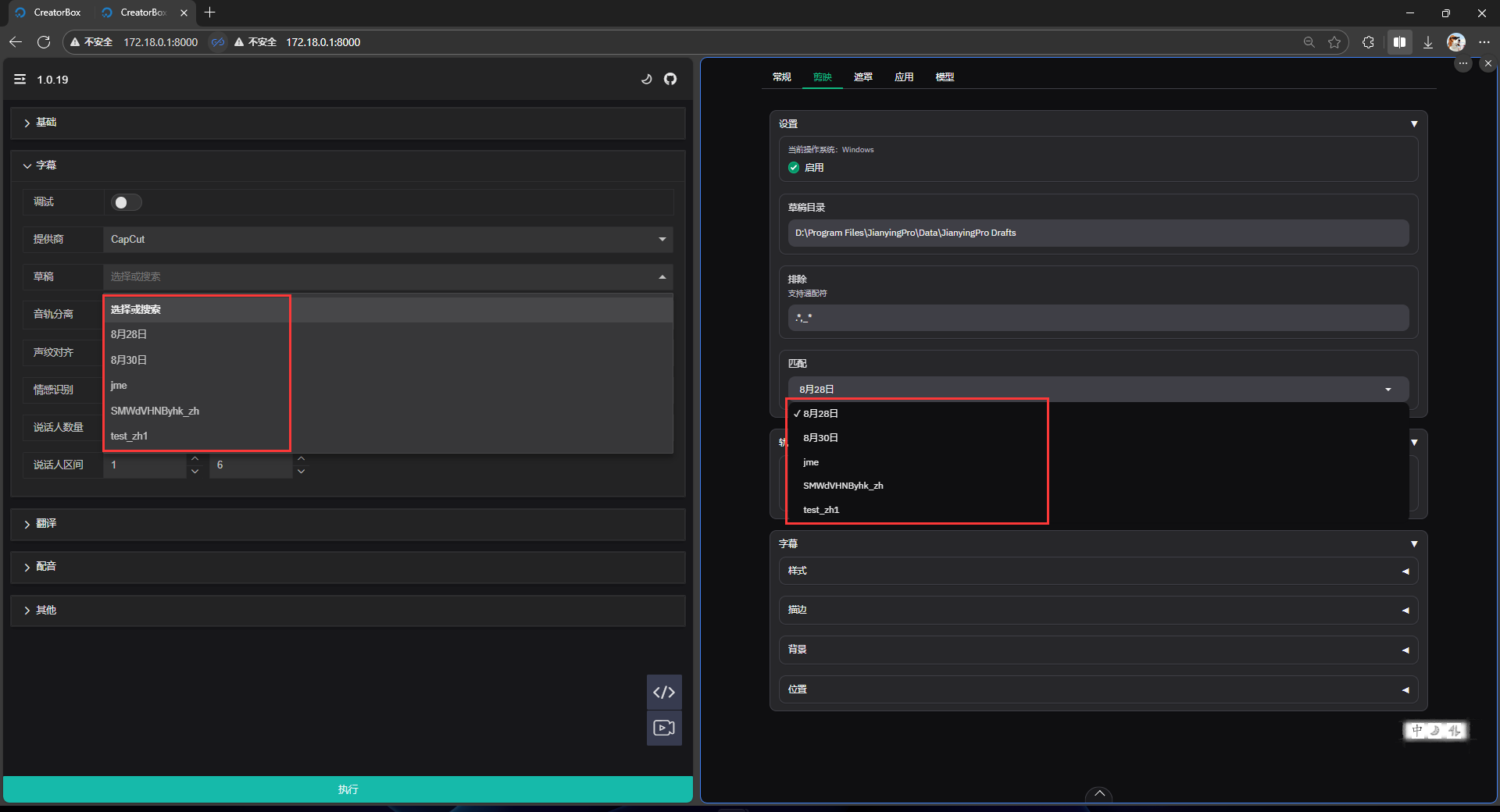
Tracks
Control the visibility of tracks during export as needed. The order is from top to bottom:
SUBTITLE_ORIOriginal subtitlesSUBTITLE_DUBDubbed subtitlesVIDEOOriginal videoBACKGROUNDOriginal background audioVOICEDubbed voice audio
Subtitles
| Style | Boder |
|---|---|
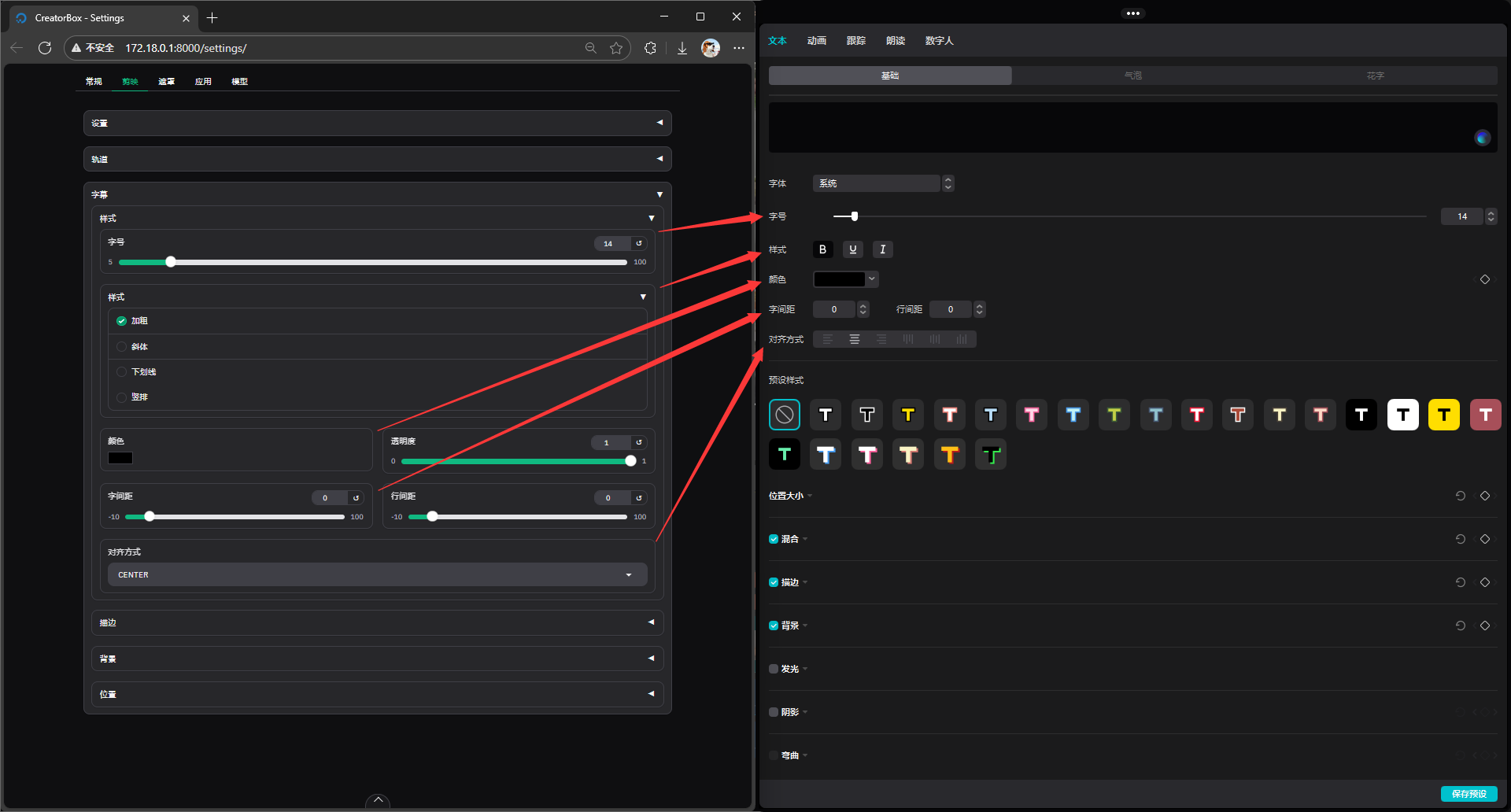 | 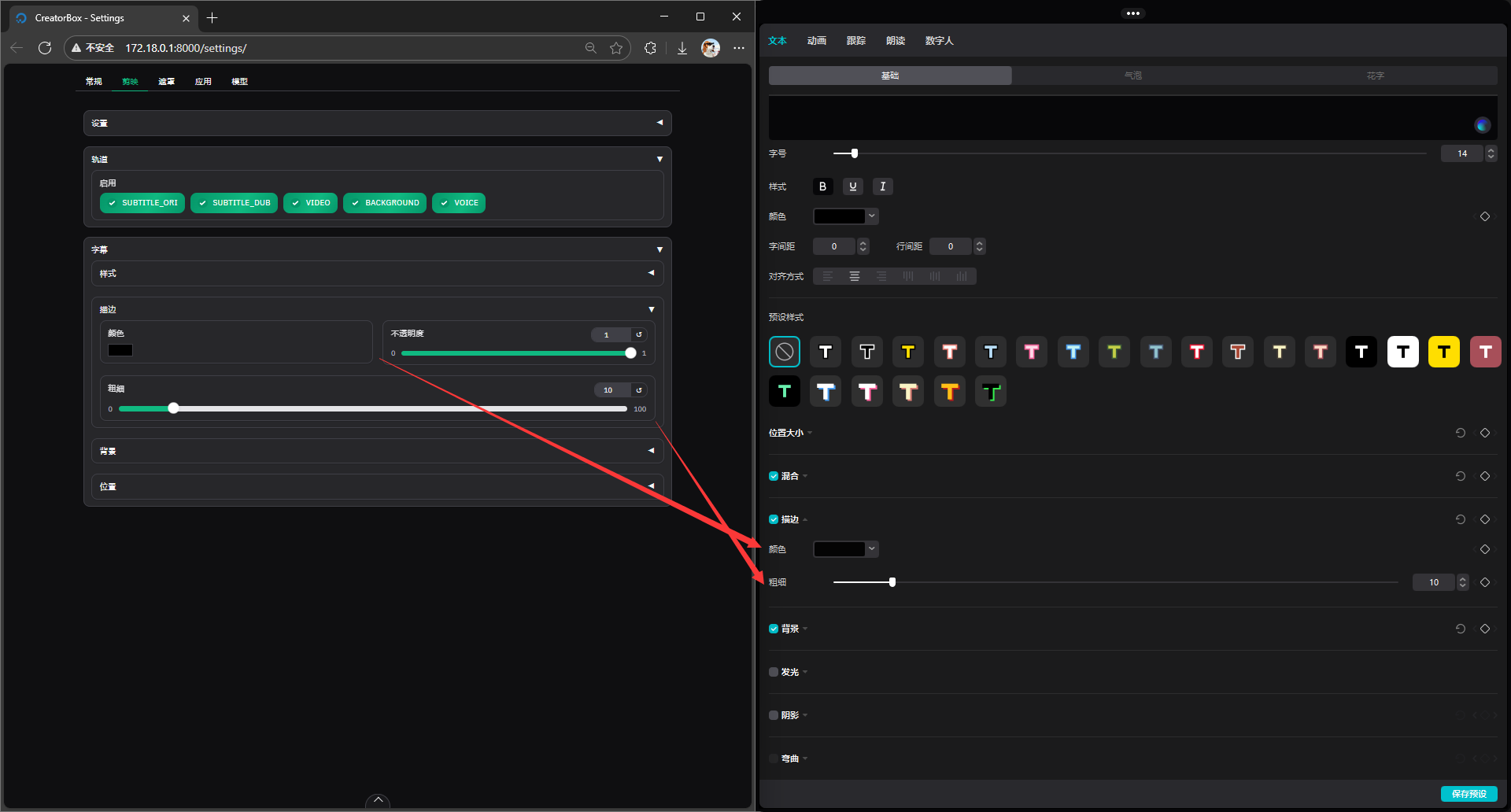 |
| Background | Position |
|---|---|
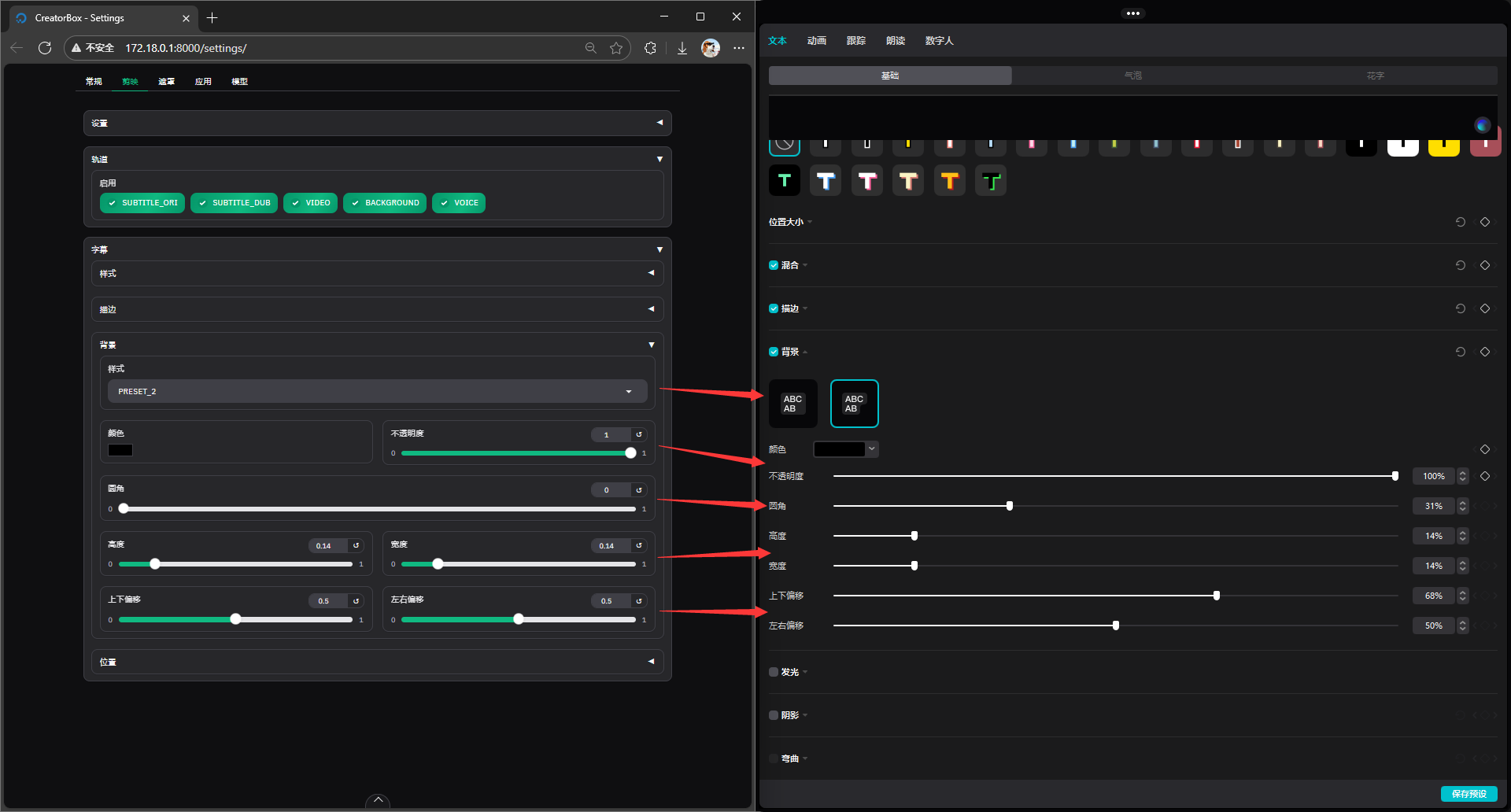 | 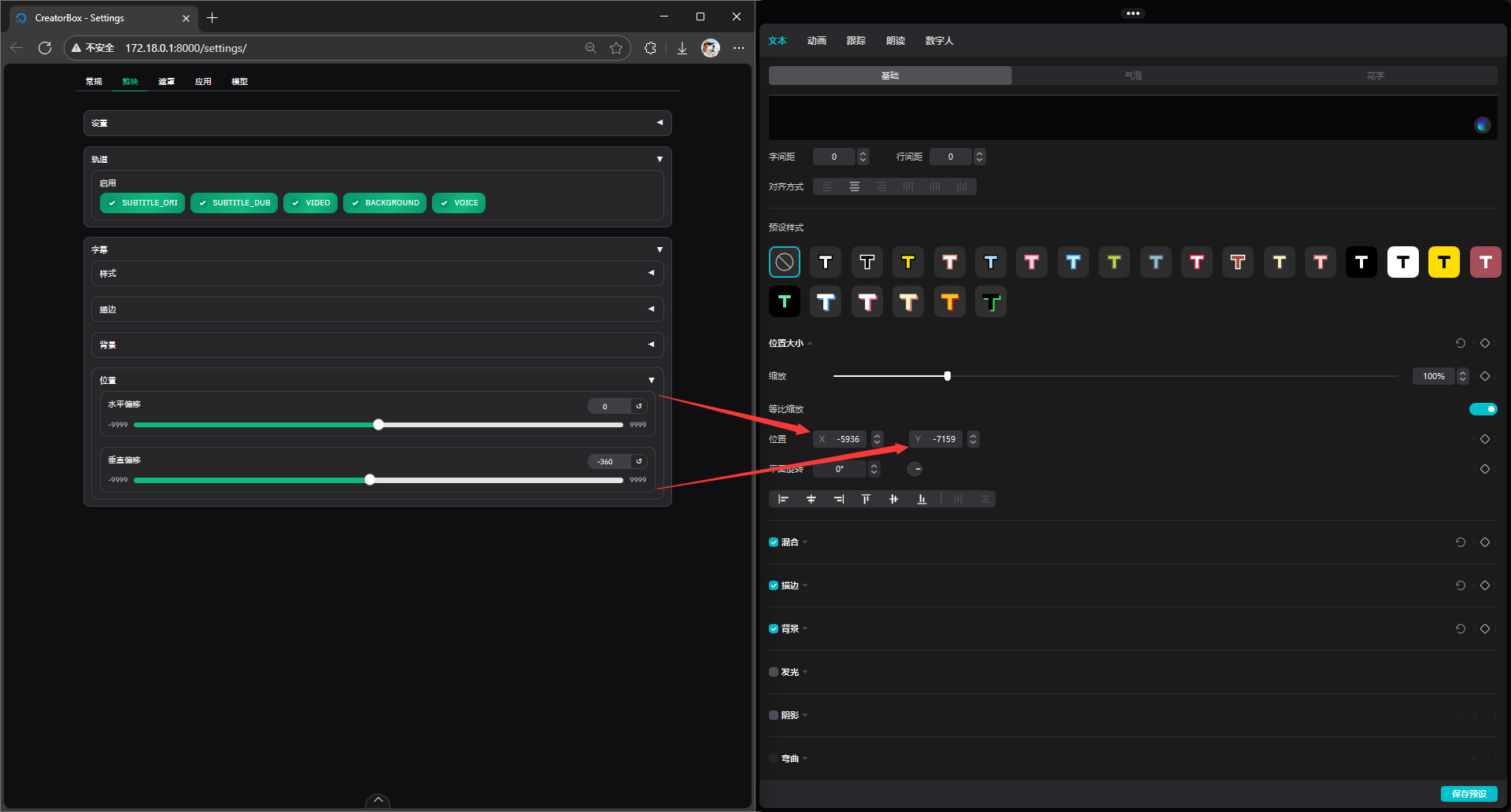 |
Notes
Currently, draft export is only supported on Windows. On other systems, you will see the following:
log
2025-04-18 07:13:06.251 | INFO annotation:44 - dubbing_to_draft is not supported on Linux. Skipping.
2025-04-18 07:13:06.251 | INFO annotation:44 - open_jianying is not supported on Linux. Skipping.| Draft Page | Edit Page |
|---|---|
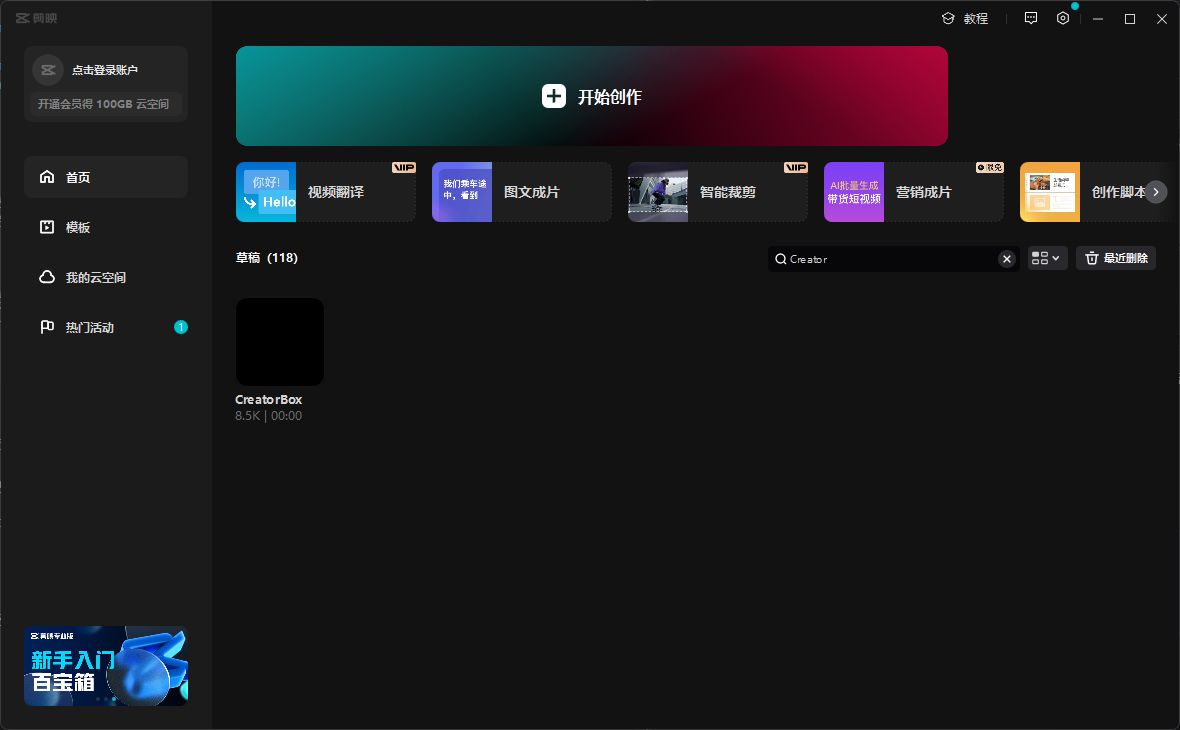 |  |
Note
Draft export is one-way. If you need to edit later, please copy and generate the draft first, then edit (remember this!).
If the exported draft does not work, please exit the
editing page, export again, and then enter again.