IOpaint
Word count
332 words
Reading time
3 minutes
IOPaint It is a powerful modern image inpainting and editing tool that provides interactive mask drawing, AI-based object removal, background replacement, and a variety of enhancement features.
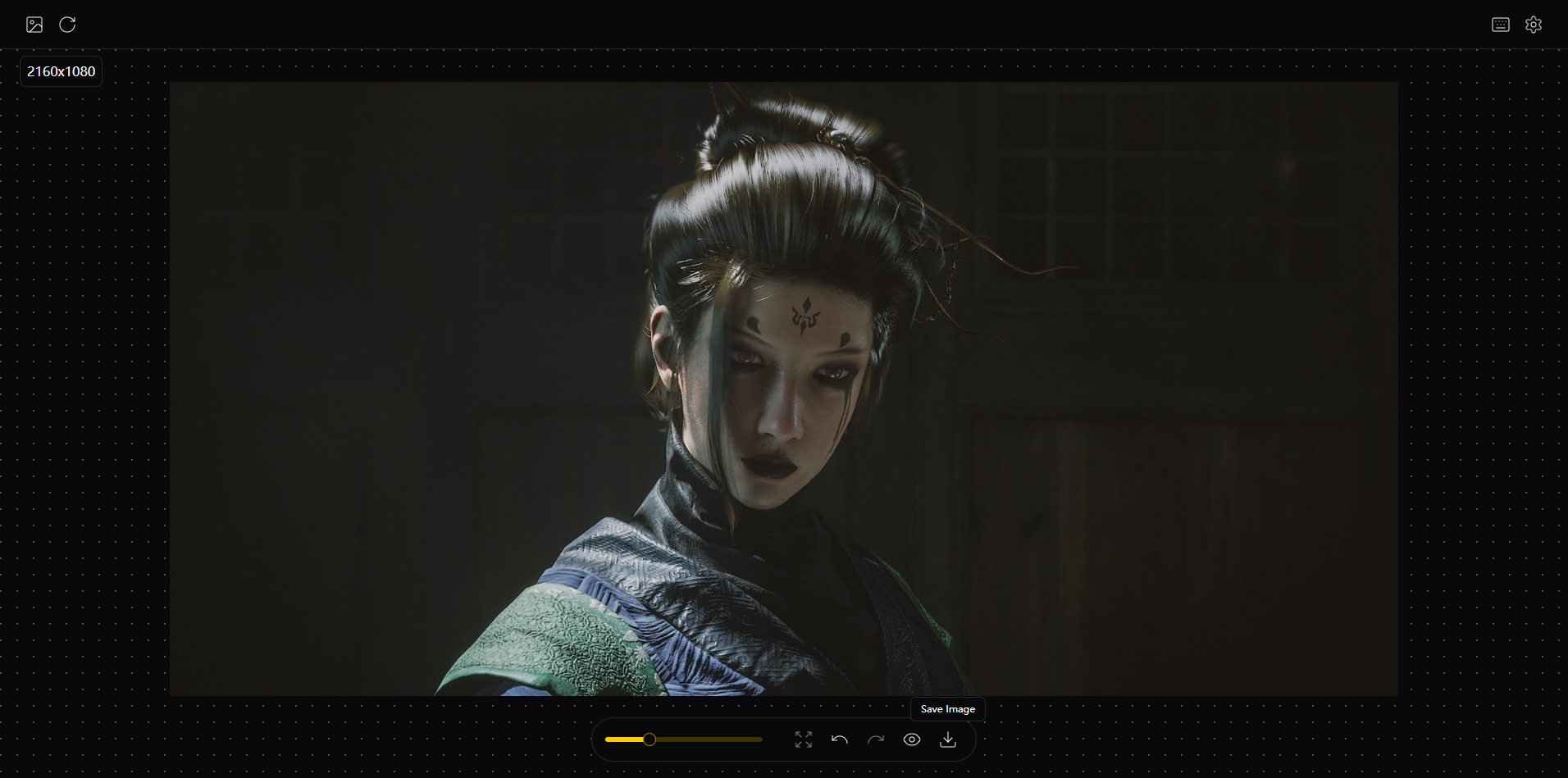
Main Interface
Launch Methods
- Launch via URL
http://127.0.0.1:8000/launcher?project=iopaint- Launch via Command
bash
uv run cli.py install -n iopaint -p 8001 --start- Native Launch
bash
uv run main.py start --config ../webapp/extensions/iopaint/data/config.jsonOutput Logs
log
Python 3.10.19
Using extensions/iopaint/.venv/scripts/python.exe
Checked 106 packages in 2ms
All installed packages are compatible
Audited 24 packages in 9ms
...

2025-12-23 23:29:23.020 | INFO     | iopaint.model_manager:init_model:47 - Loading model: lama
2025-12-23 23:29:23.020 | INFO     | iopaint.helper:load_jit_model:107 - Loading model from: D:\Program Files\CreatorBox\creatorbox\models\torch\hub\checkpoints\big-lama.pt
INFO:     Started server process [9448]
INFO:     Waiting for application startup.
INFO:     Application startup complete.
INFO:     Uvicorn running on http://0.0.0.0:8001 (Press CTRL+C to quit)
Configuration Parameters
json
{
    "host": "0.0.0.0",
    "port": 8001,
    "inbrowser": false,
    "model": "lama",
    "no_half": false,
    "low_mem": false,
    "cpu_offload": false,
    "disable_nsfw_checker": false,
    "local_files_only": false,
    "cpu_textencoder": false,
    "device": "cpu",
    "input": null,
    "mask_dir": null,
    "output_dir": null,
    "quality": 95,
    "enable_interactive_seg": false,
    "interactive_seg_model": "sam2_1_tiny",
    "interactive_seg_device": "cpu",
    "enable_remove_bg": false,
    "remove_bg_device": "cpu",
    "remove_bg_model": "briaai/RMBG-1.4",
    "enable_anime_seg": false,
    "enable_realesrgan": false,
    "realesrgan_device": "cpu",
    "realesrgan_model": "realesr-general-x4v3",
    "enable_gfpgan": false,
    "gfpgan_device": "cpu",
    "enable_restoreformer": false,
    "restoreformer_device": "cpu",
    "model_dir": "D:\\Projects\\fast\\creator-box\\models",
    "mode": 0
}1. Interactive Segmentation
Change enable_interactive_seg to true
2. Background Removal
Change enable_remove_bg to true
3. High-Definition Enhancement
Change enable_realesrgan to true
4. Face Restoration
Change enable_realesrgan、enable_gfpgan to true
注意
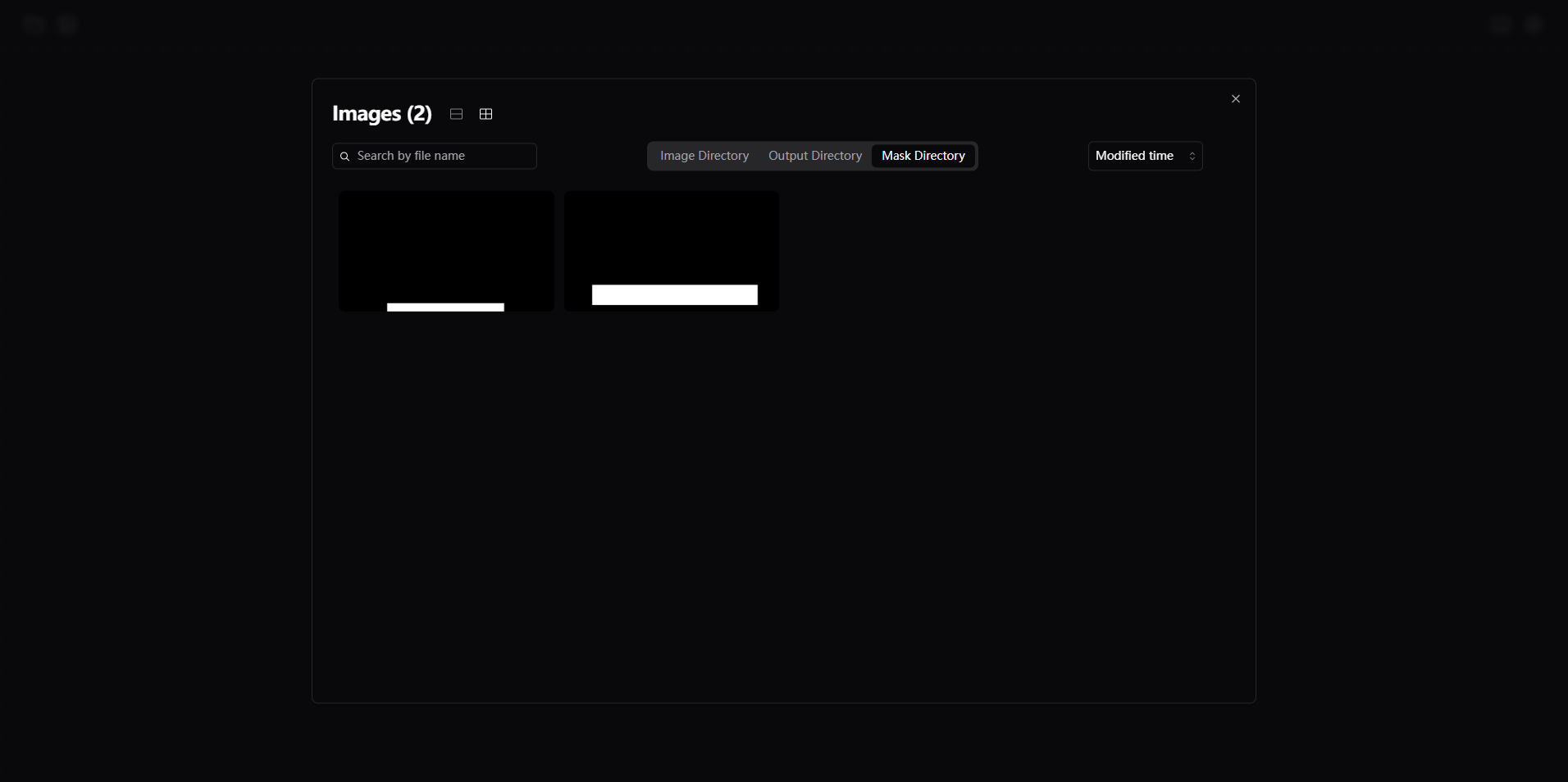
modemode switch: 0 for single-image mode, 1 for folder modeIn folder mode, the above features take effect
Simple Use
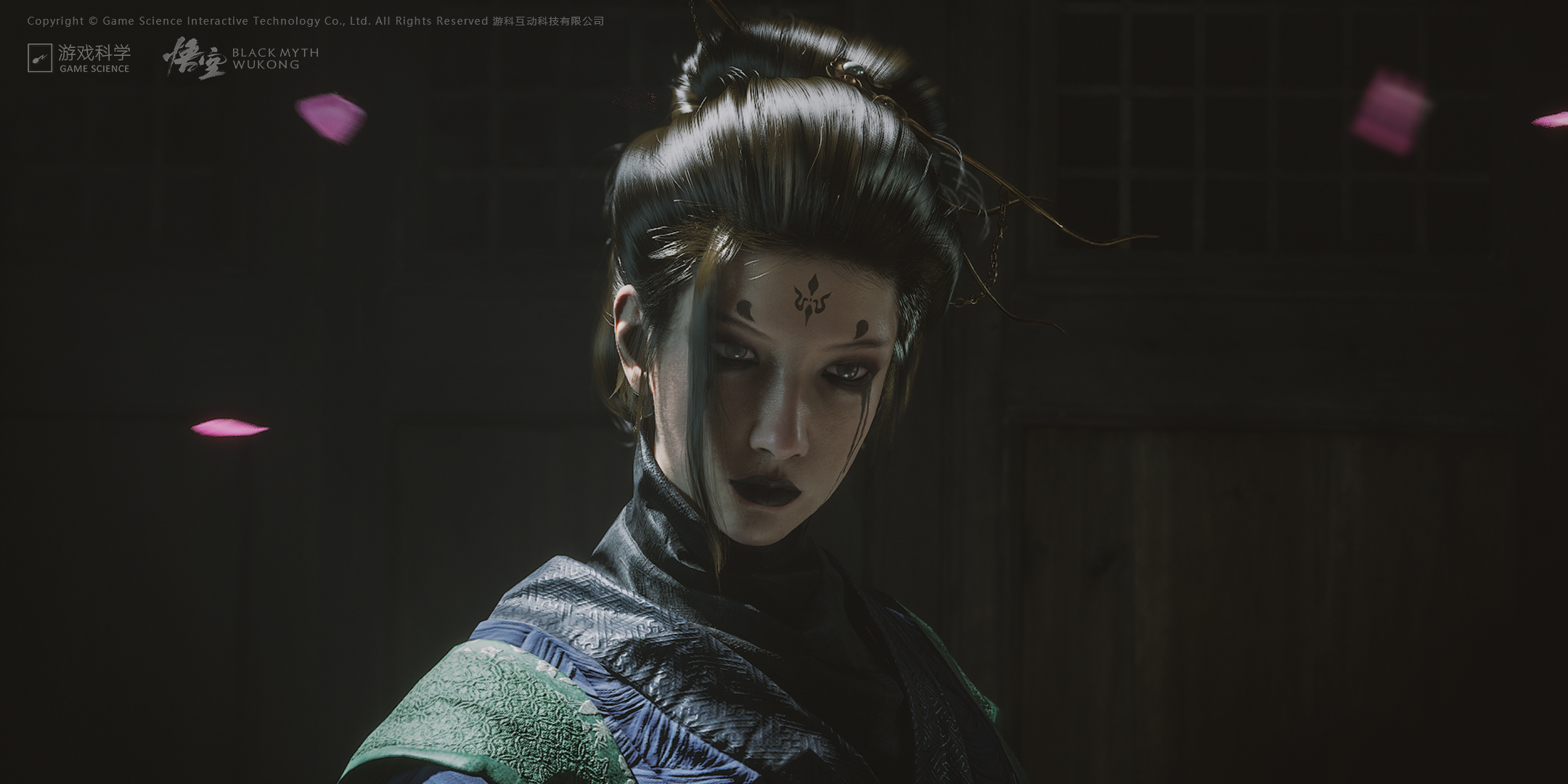
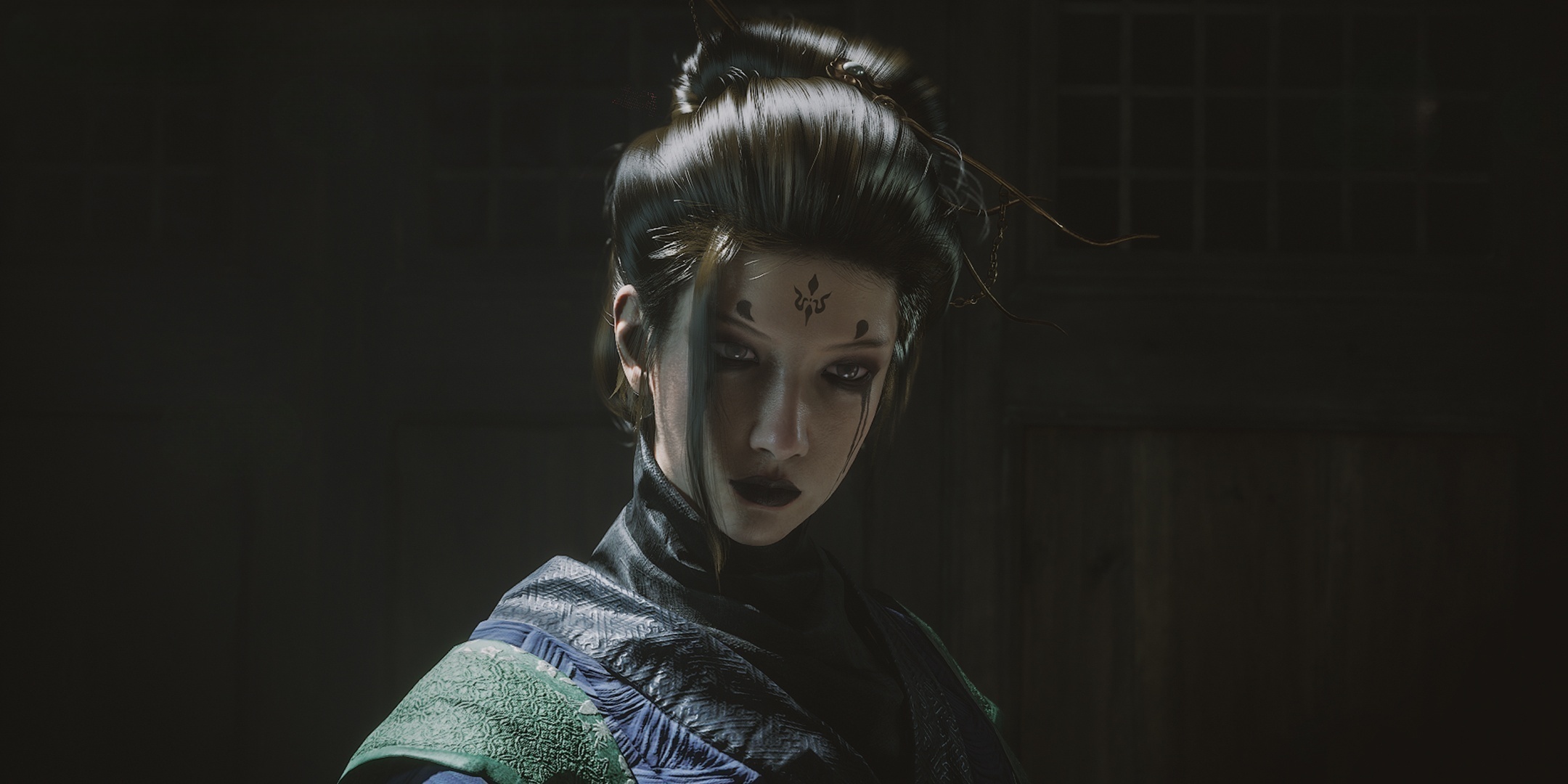
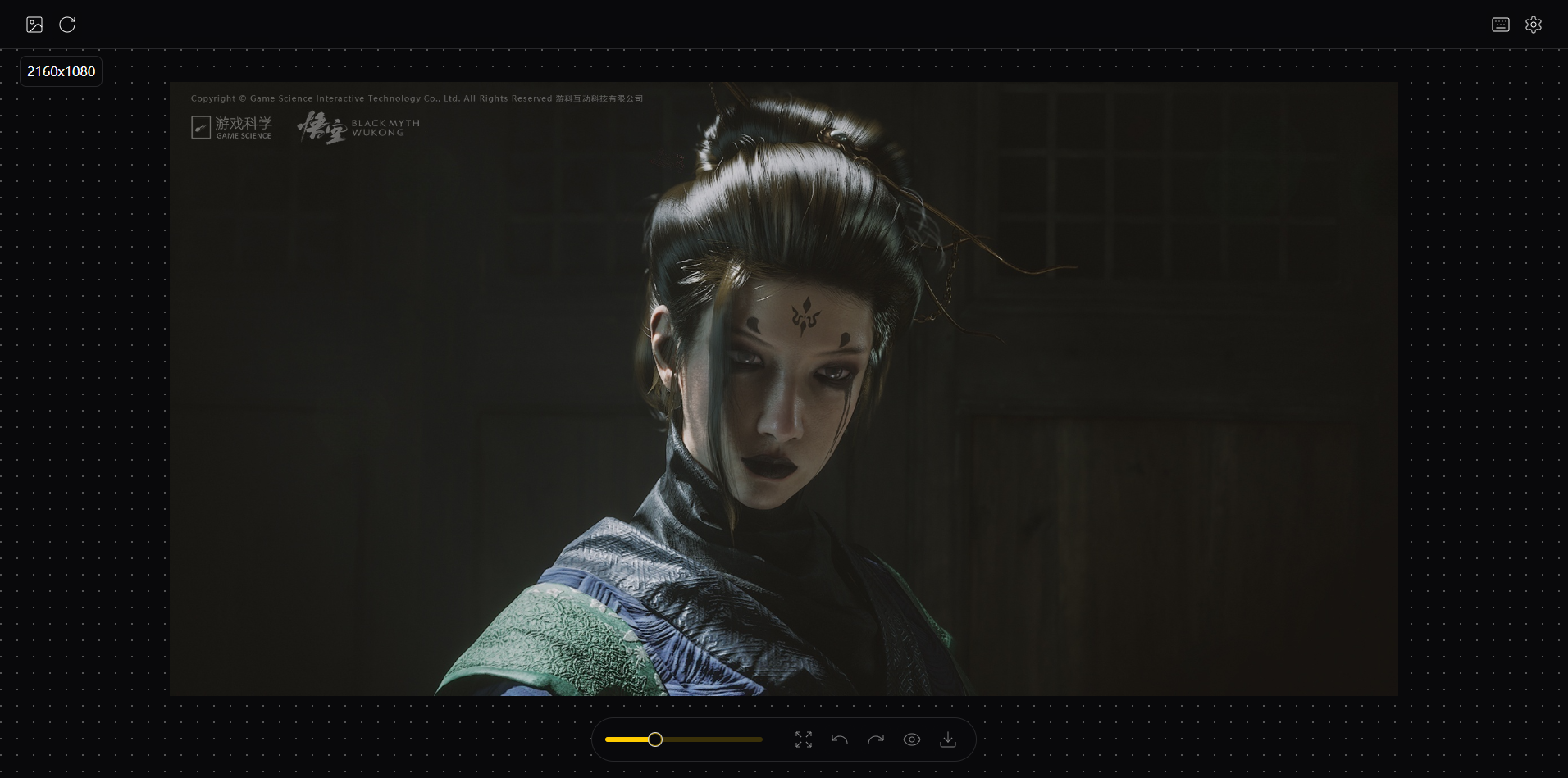
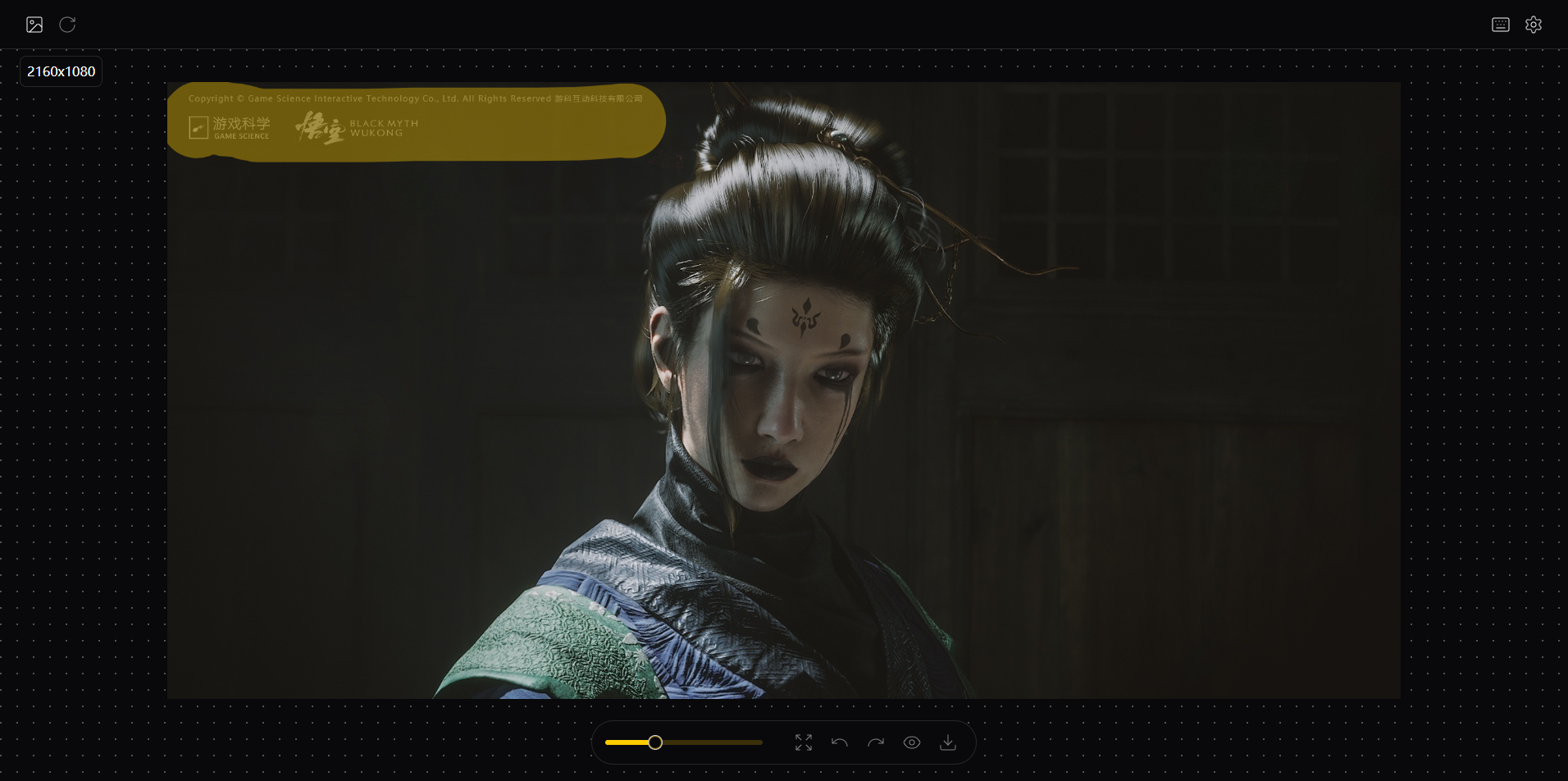
👇 Remove the text in the top-left corner and the petals
| Input | Output |
|---|---|
 |  |
1. Click Iopaint and wait for it to launch
2. Upload the image and paint the mask
2.1 File Upload
| Upload | Paint |
|---|---|
 |  |
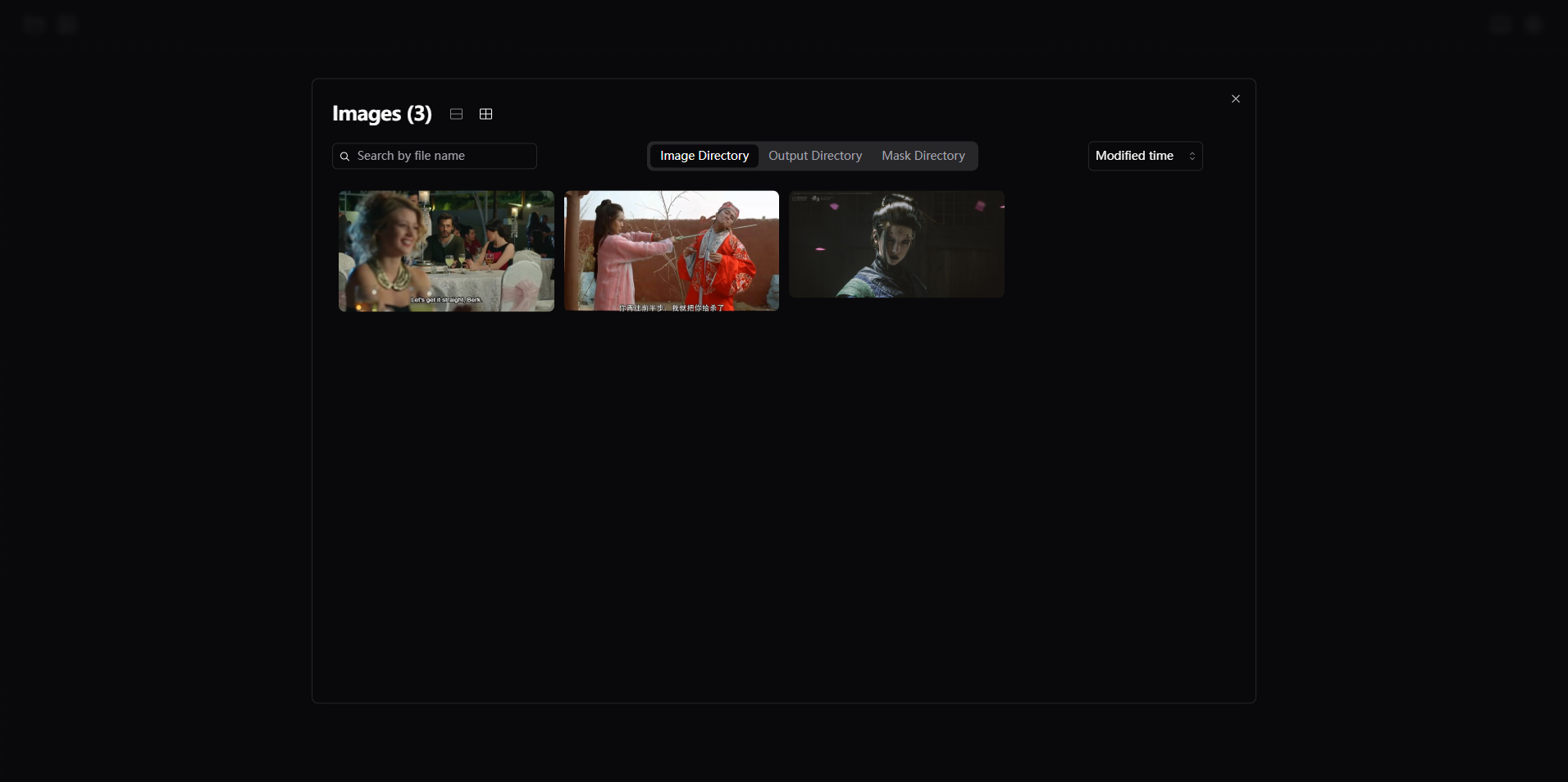
2.2 Folder Choose
| Choose | Paint |
|---|---|
 |  |
3. Auto-remove and preview the result